Follow the “Prerequisites” and “Configuration” steps at the ekey bionyx Home Assistant Integration page.
If you have more than one fingerprint scanner, please choose the correct controller which is in your Home Assistant network and should trigger the event.
In case you have one or multiple fingerprint scanners and controllers in the same network as Home Assistant these steps do not apply. It will be added automatically.
- Enter settings
- Smart Home Connections
- Home Assistant

- Choose the Event/Entity (click on the Pen symbol)
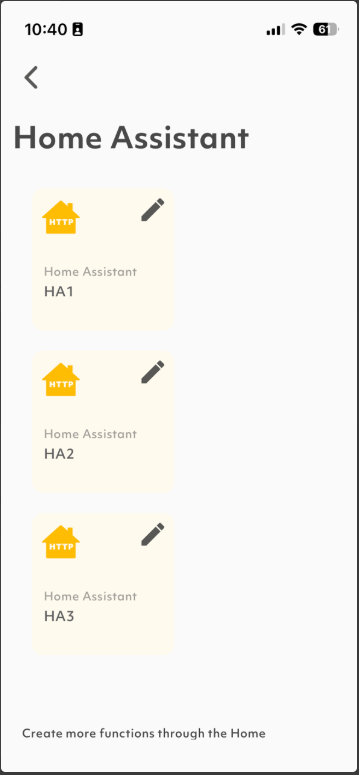
- At “Run with” choose the correct controller (also click on the Pen symbol)
