Go to the “Users” and select the user you would like to trigger a Home Assistant function.
- Click on “Fingers”
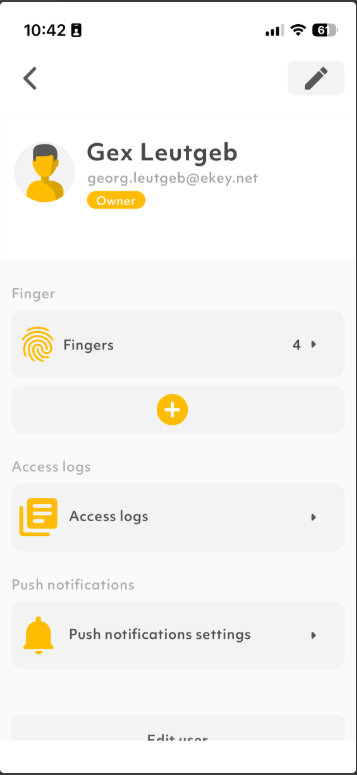
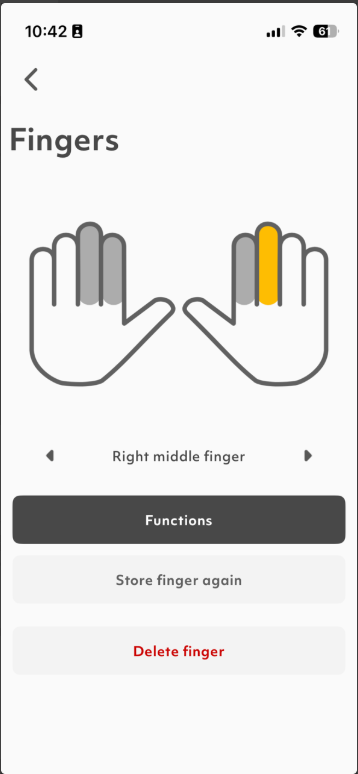
- Select the finger you would like to trigger the function first and then click on “Functions”. If you have not enrolled a finger yet, please take a look at our FAQ section on how to enroll your finger.
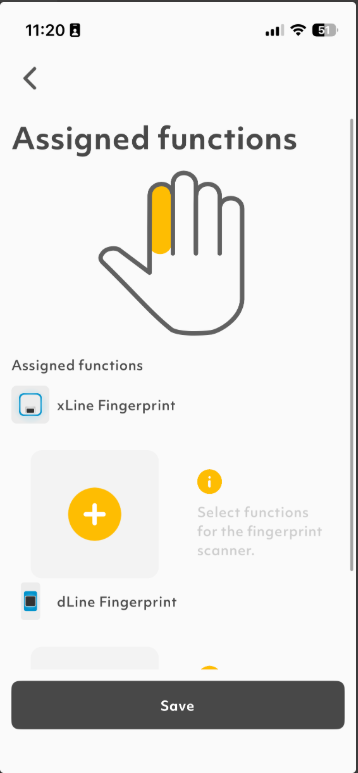
- Click on the “+” symbol from the fingerprint scanner you would like to trigger the function
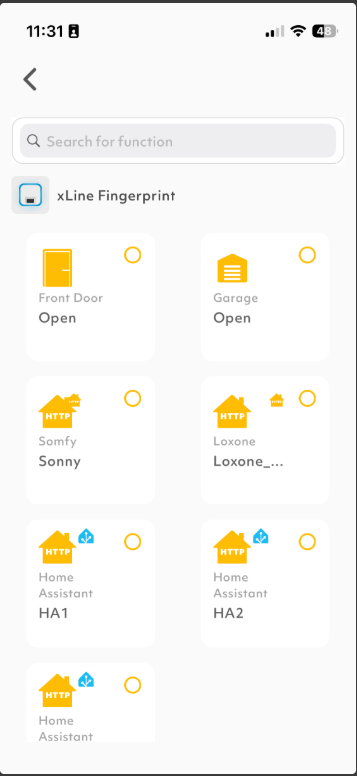
- Choose one or more function you want to trigger via finger and press “Done”
- When finished with asigning your functions, press “Save”

Repeat those steps until you have asigned all necessary functions to the finger and users.